Over the years I’ve covered a few ways to run macOS on Linux, from setting up a macOS VM in QEMU to running a macOS VM inside a Docker container.
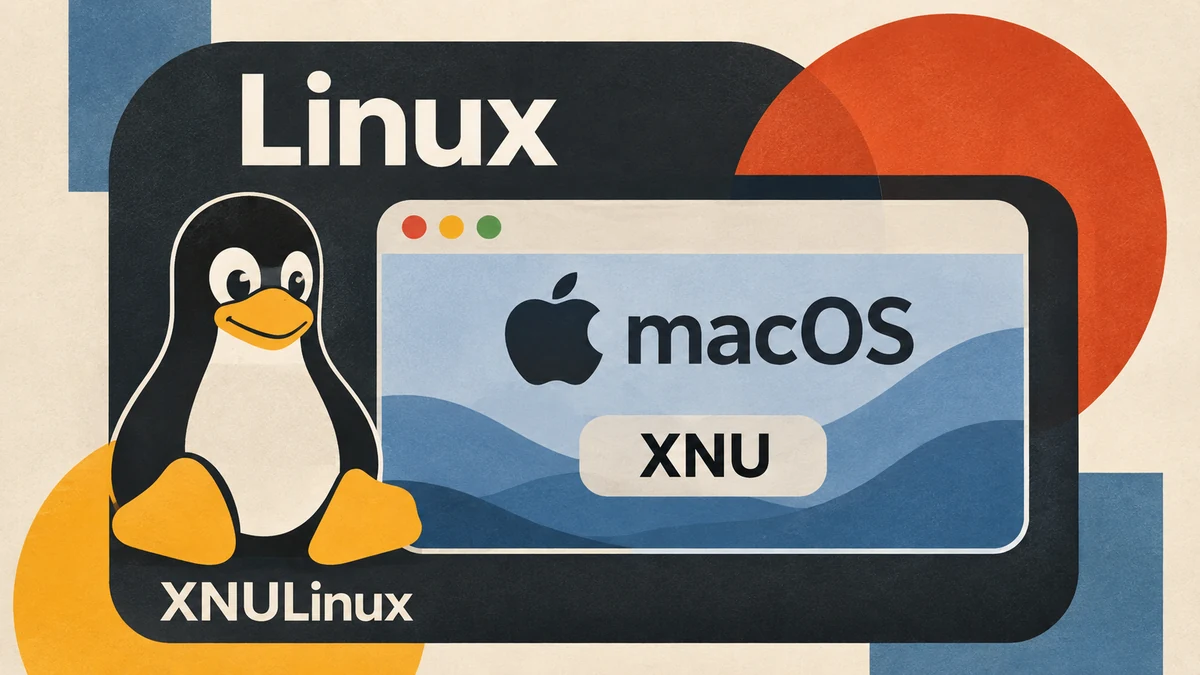
Here’s something a bit different. XNULinux is an experimental open source project that runs Apple’s XNU kernel inside the Linux kernel. The developer has managed to get macOS 27 to boot to the desktop, with macOS and Linux processes running on the same CPUs, without a separate macOS VM.
How does XNULinux work?
Apple makes the source code for XNU, the kernel used by macOS, publicly available. That doesn’t mean macOS itself is open source. The desktop and much of the software that runs on top of XNU are still proprietary.
Affiliate promotion. FSMdotCOM may earn a commission.


XNULinux builds a modified version of XNU from source and runs it inside a compatible ARM64 Linux kernel using two modules: xnu.ko and fki.ko.
The first module loads and runs XNU. The second implements the Foreign Kernel Interface (FKI), which gives XNU access to resources provided by Linux, including memory, CPUs, timers and networking. XNU takes care of the macOS processes while Linux continues to run its own processes.
So you’re still running Linux, but you also have Apple’s kernel running the actual macOS userspace on the same machine.
macOS 27 on Linux
At the time of writing, the developer has documented two working setups. The first is an ARM64 Linux VM running on an Apple Silicon Mac. As you can see in the screenshot below, there’s a Terminal window running in macOS and another one connected via SSH to the Ubuntu system hosting it.
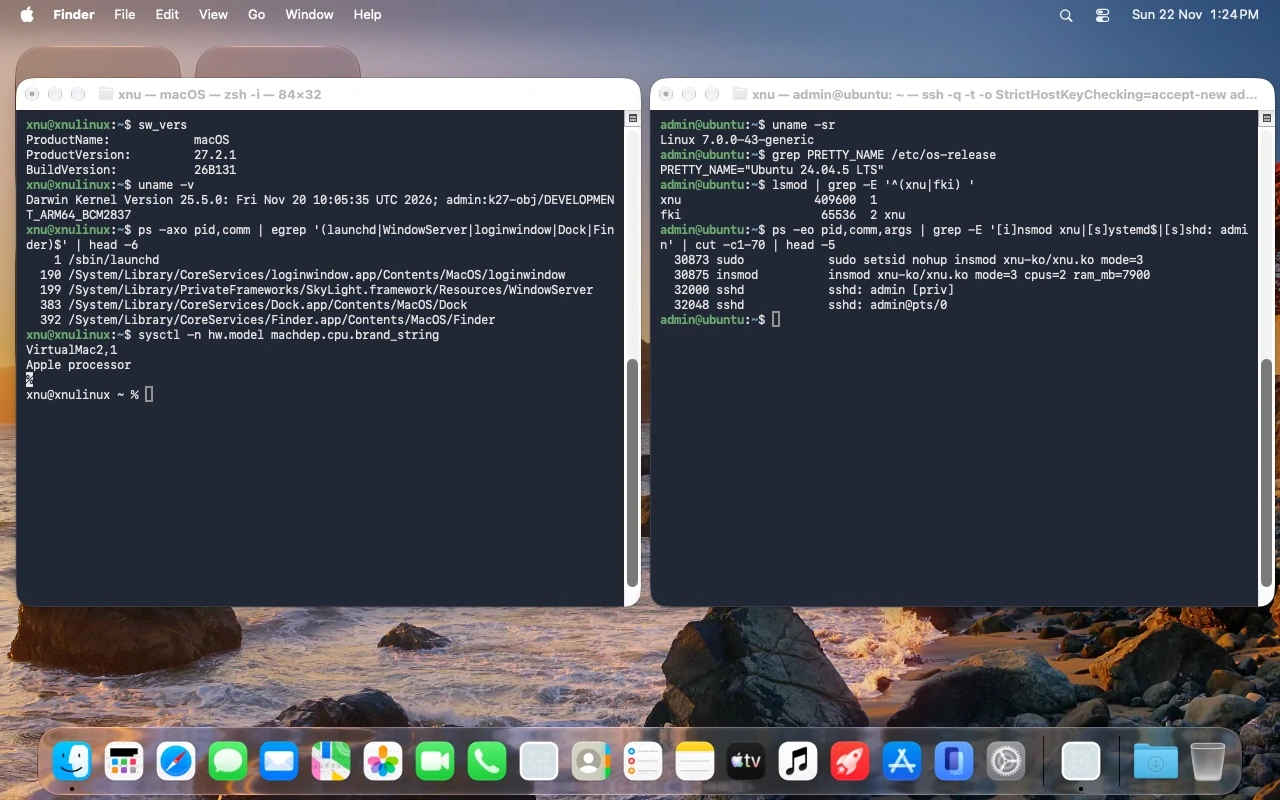
Yes, there’s still a VM involved in this setup. It’s running Linux, though, and XNULinux doesn’t need to spin up another VM for macOS.
The second setup is what caught my attention. The developer got macOS 27 running on an NVIDIA DGX Spark running Ubuntu directly on the hardware. You can see the macOS desktop over Screen Sharing alongside a terminal session from the Linux host connected to macOS.
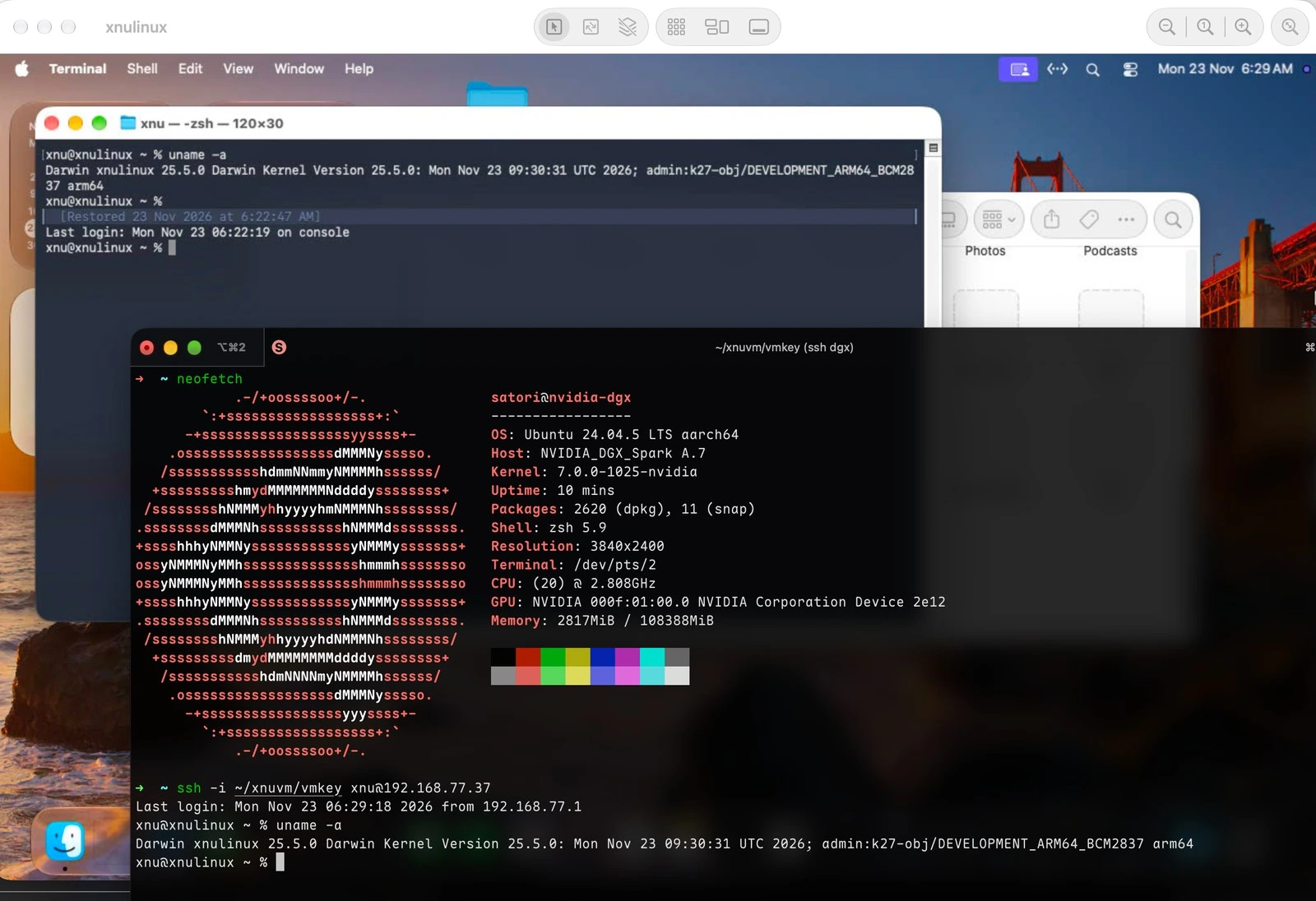
The project’s README also includes screenshots of Safari displaying websites. Finder, the Dock and Terminal are shown as well. I haven’t tested XNULinux myself, so these are the developer’s results, not a compatibility test of macOS apps.
Is this a Hackintosh?
With a traditional Hackintosh, you’re trying to boot macOS as the operating system on hardware not made by Apple. With XNULinux, Linux remains the host OS.
There’s also Darling, which does for macOS software on Linux something similar to what Wine does for Windows software. It provides a compatible Darwin environment for applications. XNULinux, on the other hand, actually loads XNU and boots a macOS system.
Can you run XNULinux on your Linux machine?
For now, the documented requirements include an ARM64 Linux host with specific CPU features, 4 KB memory pages and at least 16 GB of RAM (8 GB reserved for XNU). If you’re running Linux on a typical Intel or AMD PC, the project doesn’t currently document a working setup for your machine.
You’ll also need access to a Mac with Xcode and your own macOS 27 installation to prepare the system disk. None of Apple’s proprietary macOS binaries are distributed with XNULinux.
Keep in mind that this is still very much an experimental project. There are temporary changes to macOS security mechanisms among the issues listed in the developer’s production notes. I wouldn’t look at this as an alternative to the macOS VM tutorials just yet.
But getting macOS to boot on an NVIDIA machine by loading Apple’s kernel into Linux is quite an interesting achievement in itself.
For more info and to follow the development of XNULinux, check out the project on GitHub.