
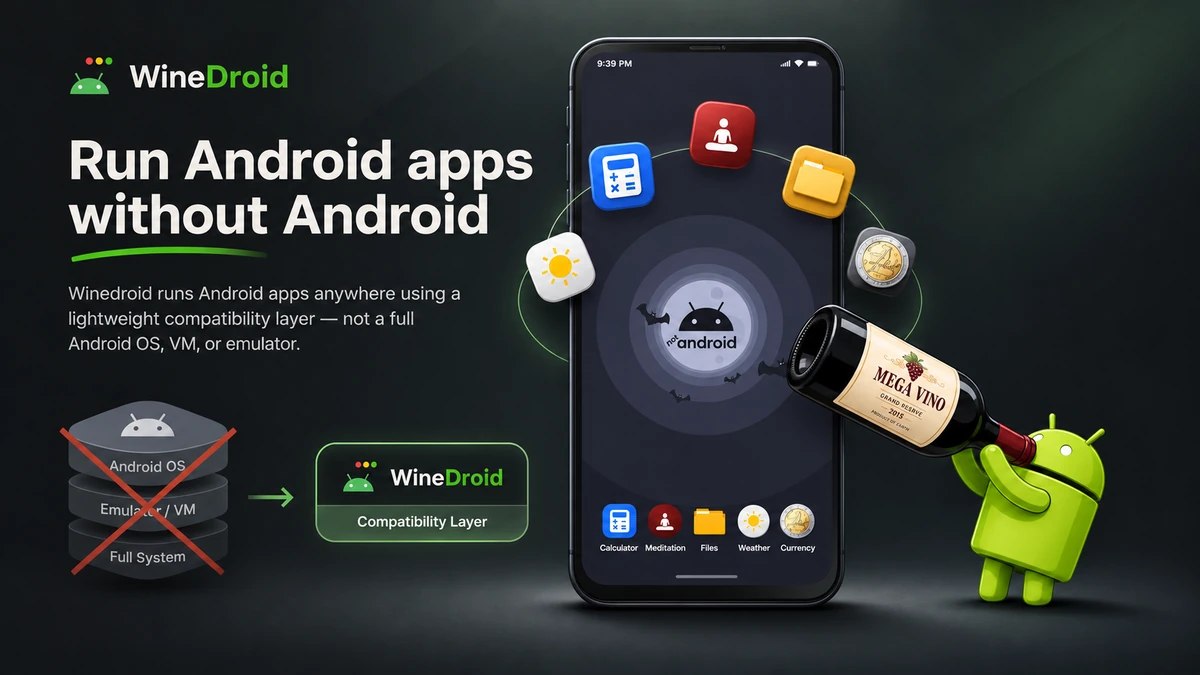
What if you could run Android apps on your computer the same way you run Windows apps on Linux with Wine? That’s pretty much the idea behind Winedroid, a free and open source project written in Rust.
The goal is to be able to run an APK on macOS, Linux, Windows or even in your web browser without having to run Android itself.
Unlike Waydroid, which runs Android in a container on Linux, Winedroid implements the Android functionality that apps need to run. It executes the compiled code (DEX bytecode) inside an APK and draws the app’s UI using Skia.
Affiliate promotion. FSMdotCOM may earn a commission.


Earlier today I posted about XNULinux, which brings Apple’s kernel to Linux. Winedroid is interesting for a different reason. It doesn’t need to run the Android kernel or boot a complete Android system.
If you want to give Winedroid a spin, there’s a web demo that you can play around with right now. The runtime runs in the browser via WebAssembly and you can even drop your own APK into it.
Don’t get too excited just yet, though. I played around with the demo and the calculator worked, but I couldn’t get much out of it beyond that. The meditation timer didn’t seem to do much.
Also, the browser version doesn’t support Android native libraries and whatever data you save in an app is lost when you reload the page.
Much like Wine, Winedroid has its own app compatibility database. At the time of writing there are six apps listed, with Weather Overview rated Gold, Candle rated Silver and the remaining four rated Bronze. And none of them is rated Platinum (meaning it works out of the box just as it would on Android).
One interesting thing about Winedroid is that, during normal execution, it can return a dummy value when an app calls certain Android APIs that haven’t been implemented yet. So just because an app opens doesn’t necessarily mean that everything in it works.
If you’d rather run Winedroid on your computer, there are instructions for building it from source on macOS and Linux. Windows is one of the project’s goals, but there’s no Windows setup documented in the repository as of this writing.
It’s early days for Winedroid. I’m more interested in seeing where this project goes than in what I can actually use it for right now.
For more info, build instructions and source code, check out the project on GitHub. Winedroid is released under the GPLv3 license.