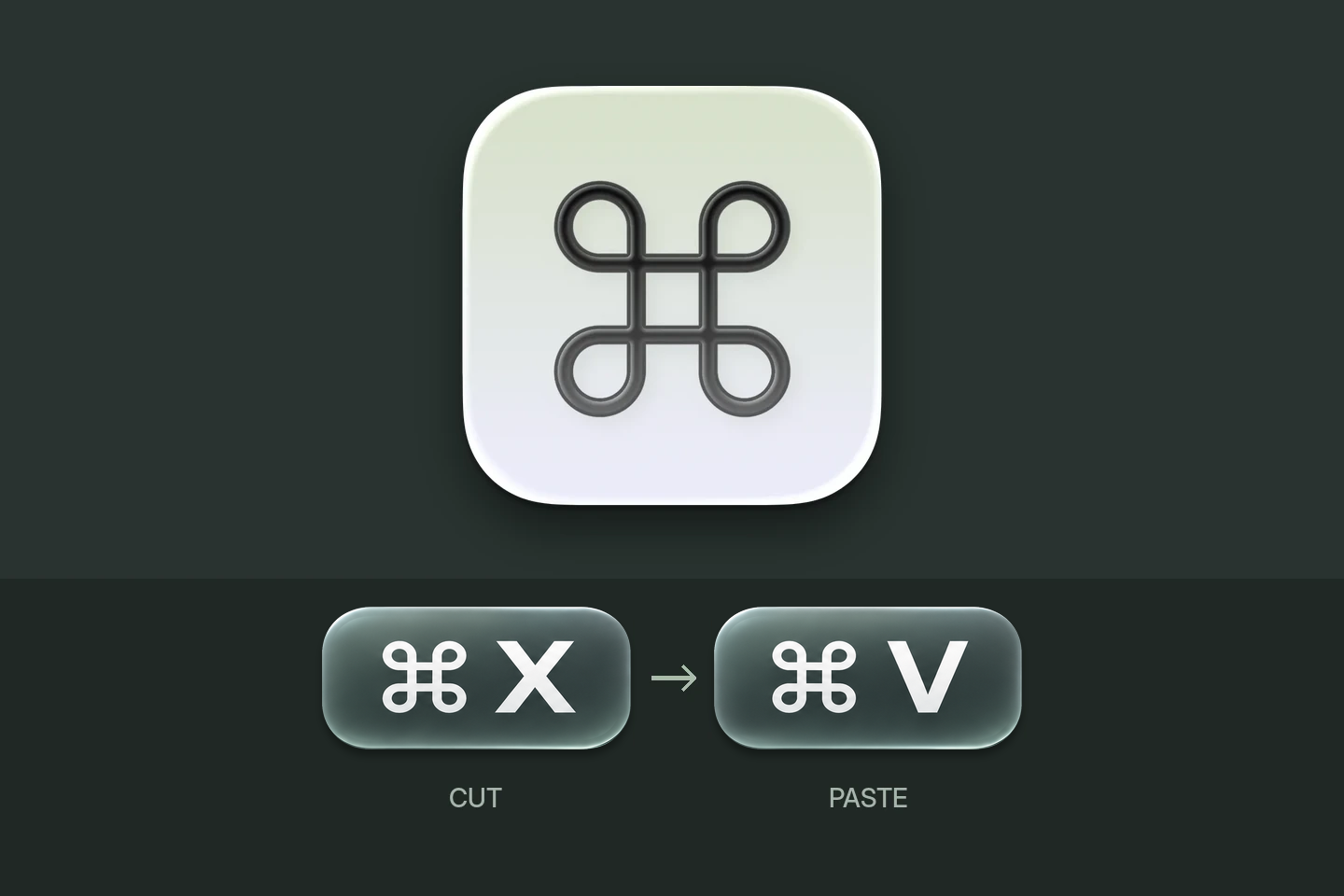
One of the things missing from macOS Finder is the ability to cut and paste files using Command+X and Command+V. If you regularly switch between macOS, Windows and Linux, it means unlearning a very familiar keyboard shortcut.
On macOS, you select the files you want to move, press Command+C, go to the destination folder and press Command+Option+V instead of Command+V. So why can’t you just use Command+X and Command+V like you would when editing text?
Enter cmdX, a free and open source app that brings those shortcuts to Finder.
cmdX doesn’t move the files itself. When you press Command+X, the app tells Finder to copy the selected files. When you press Command+V in the destination folder, cmdX checks whether the clipboard state still matches the pending cut. If it does, the app triggers Finder’s native move shortcut instead of the regular paste. The files remain in their original location until you move them. Copying something else in between is intended to cancel the pending move.
Affiliate promotion. FSMdotCOM may earn a commission.


The app lives in your menu bar, where you can configure it to start at login, play a sound when you cut files or hide its icon altogether. If you hide the icon, you can access the settings again by opening cmdX from Applications or Spotlight.
There is one thing to consider. cmdX requires Accessibility access to intercept keyboard shortcuts. The app receives systemwide key events but filters its shortcut handling to Finder, and version 1.7.0 is designed to leave text editing in Finder’s rename and search fields alone. Accessibility is a powerful permission, so only grant it to software you trust. The app checks GitHub for updates daily by default, but you can disable automatic checks in its settings.
If you want to give cmdX a spin, download it from the official GitHub releases page, open the disk image and drag the app into your Applications folder. The version 1.7.0 build target is macOS 14.6 Sonoma or later, and the release workflow targets Intel and Apple Silicon Macs. Grant access under System Settings > Privacy & Security > Accessibility. The published build workflow does not include Apple notarization, so macOS may block it from opening. Read Apple’s guidance on opening apps safely before deciding whether to make an exception.
If you’re already used to Command+C and Command+Option+V, there’s no real reason to install another app. The much larger Vorssaint toolbox also offers similar Finder shortcuts. But if your fingers keep reaching for Command+X in Finder and that’s the only thing you want to fix, cmdX solves that particular problem.